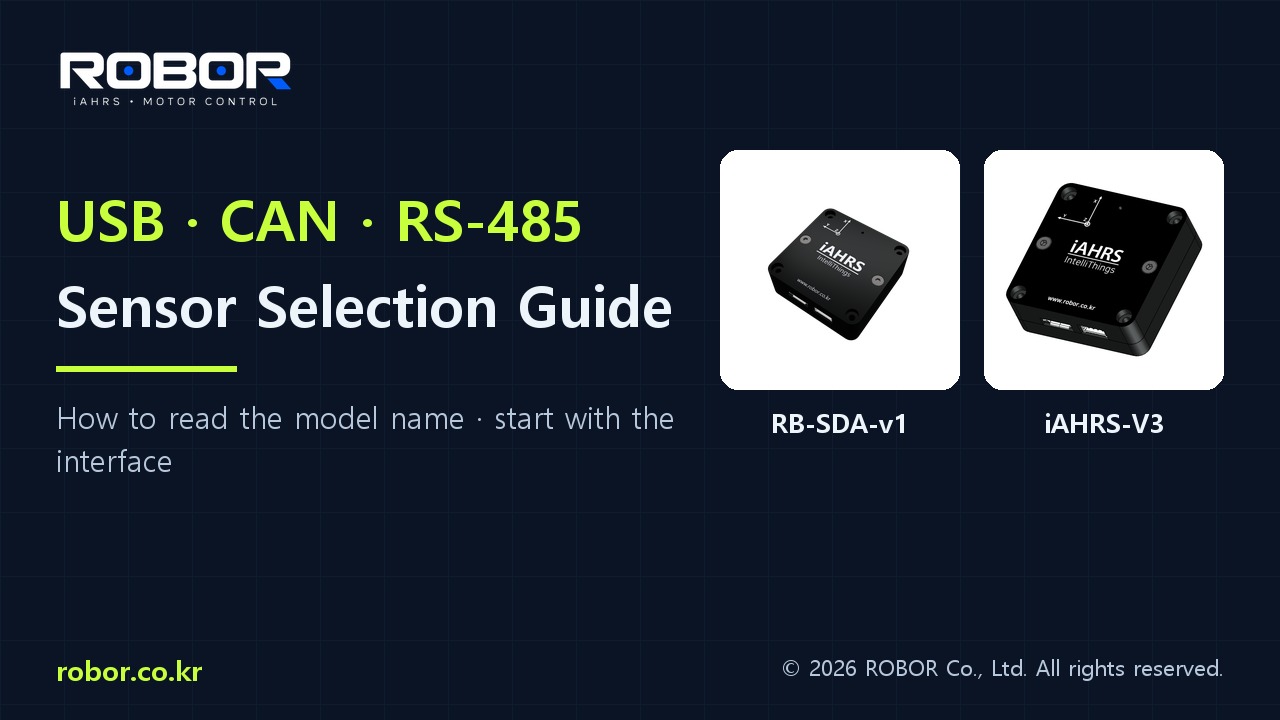
Choosing an iAHRS sensor in 50 seconds
0:51 · English narration · YouTube Shorts
Select the platform, then the interface
V2 and V3 use different sensor components. Choose the sensor platform for your measurement needs, then select the interface supported by your controller.
Read the model suffix
USB is common to all interface variants. No suffix means RS-232, _1 means CAN and _2 means RS-485. For example, iAHRS-V3_1 combines the V3 sensor platform with USB and CAN.
Check protocol compatibility
Confirm the controller port and supported message format. A CAN port does not by itself guarantee CANopen compatibility. Likewise, sharing the RS-485 physical interface does not imply a shared command protocol.
Check the electrical connection
Verify the model-specific power, pinout, grounding, isolation and bus termination requirements. RS-232 and LV TTL UART are not directly interchangeable electrical interfaces.
Request a configuration review
Provide the controller model, number of devices, cable length, update interval and power arrangement. V2 and V3 are coming soon; Korean KC registration is in progress and sales are planned after completion.
Product information: ROBOR product catalog and model manuals. Always check your model and firmware.
Several CAN AHRS sensors on one bus
iAHRS-V2_1 · CANopen (CiA 301): node ID 1–127 and bit rate 125/250/500/1000 kbit/s are user-configurable (default node 1, 500 kbit/s); several units can share one bus (FW 2.1.21+).
Use the signed V2 application BIN only on a matching V2 device. It is not a V1/V3 image or a factory bootloader image. Follow the firmware-update procedure in the V2 user manual and keep power connected during the update.
- Connect each unit by USB. In Features → System, set a unique CAN ID (1–127) and a common CAN bit rate (125/250/500/1000 kbit/s).
- Select Apply CAN, then Save. Console equivalents: cn=2, cb=250, then fw. Each change restarts CAN immediately; fw preserves the setting after power cycling. Out-of-range values return !ERR.
- Use the same bit rate across the entire bus, unique node IDs, and 120 Ω termination at both physical ends of the bus.
- For PCAN-USB, match the CAN card’s bridge node and bit rate, then select Bridge configuration. Unplug and reconnect the adapter after a bit-rate change.
CANopen IDs for node N
- TPDO1
0x180 + N- TPDO2
0x280 + N- TPDO3
0x380 + N- TPDO4
0x480 + N- TPDO5 (magnetometer)
0x680 + N- Heartbeat / boot-up
0x700 + N- SDO request / response
0x600 + N / 0x580 + N- EMCY
0x080 + N
Unplug and reconnect PCAN-USB, then connect again. Immediately after a bit-rate change, the adapter may remain in error recovery, slowing reception or missing heartbeats. Match the bridge node and bit rate to the sensor and select Bridge configuration. If the issue persists, check wiring, termination and bit rates, then contact support.
Firmware 2.1.20 and earlier use node 1 / 500 kbit/s. Downgrading ignores the new CAN settings and uses those defaults. Configurable bus IDs do not mean that the standard UI bridge records multiple nodes simultaneously; the current bridge selects one node.
SHA-256: c3c07b67a28f62b210da3550a7a37d0c04847209a31e65fe6e0d741fad214450
CAN setup FAQ
Can I connect several sensors to one CAN bus?
Yes, for iAHRS-V2_1 with firmware 2.1.21 or later. Assign a unique node ID to each unit. Connect by USB, select CAN ID 1–127 in the UI Features → System group, then choose Apply CAN → Save. Every device on the bus must use the same bit rate. Firmware 2.1.20 and earlier use fixed node 1 at 500 kbit/s.
Why does reception slow to about 10 Hz after changing CAN speed?
Unplug and reconnect PCAN-USB, then connect again. Immediately after a bit-rate change, the adapter may remain in error recovery, slowing reception or missing heartbeats. Match the bridge node and bit rate to the sensor and select Bridge configuration. If the issue persists, check wiring, termination and bit rates, then contact support.
Further reading: RS-485 termination — Texas Instruments