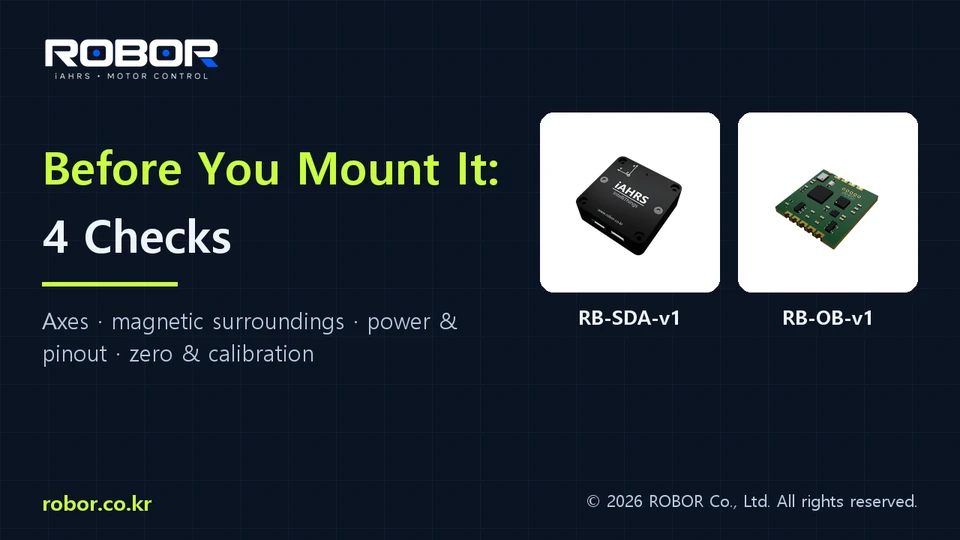
Four checks before mounting an orientation sensor
1:02 · English narration · YouTube Shorts
Document the mounting axes
Mark the sensor X, Y and Z axes and the equipment frame on a drawing. Verify how displayed roll, pitch and yaw relate to the machine. Record any mounting or output-reference changes.
Compare operating conditions
Evaluate magnetic influences near motors, magnets, steel structures and current-carrying cables. Compare stopped and running conditions, using the same procedure after each mounting change.
Check power and communication separately
Follow the manual for supply voltage, polarity, signal reference and pinout. For communication interruptions, examine cabling, supply variation and grounding as well as software settings.
Keep a repeatable test record
Record the model, firmware and software versions, mounting orientation, calibration state, interface settings, test movement and receive log. Keep before-and-after conditions comparable.
Prepare a support request
Include the symptoms, timing, power and wiring arrangement, differences between stopped and running equipment, and available logs. This is an installation guide, not an application-specific performance certificate.
Product information: ROBOR product catalog and model manuals. Always check your model and firmware.